11
You are editing a video at midnight, and one sound is missing. Soft rain on a window. You search stock libraries for an hour, and every clip sounds wrong or costs money you do not have. An AI sound effects generator ends that hunt. You type one plain sentence like soft rain tapping a window at night, and the tool builds a fresh clip in seconds. Nothing to download. No licensing maze. This guide shows you how to use an AI sound effects generator the right way. You will learn which tools are worth your time, how to write prompts that produce clean audio, and a simple workflow you can repeat for every project.
An AI sound effects generator is a model trained on thousands of hours of recorded audio. You type a description, and it predicts what that sound should be, then builds the waveform from scratch. Most tools make clips from a fraction of a second to about thirty seconds, which covers one-shots like door slams plus short ambience loops. The big win over stock libraries is originality. Every generation is unique, so your video avoids the same swoosh other creators already used. The tradeoff is control. Detailed prompts decide whether the sound is usable or mush.
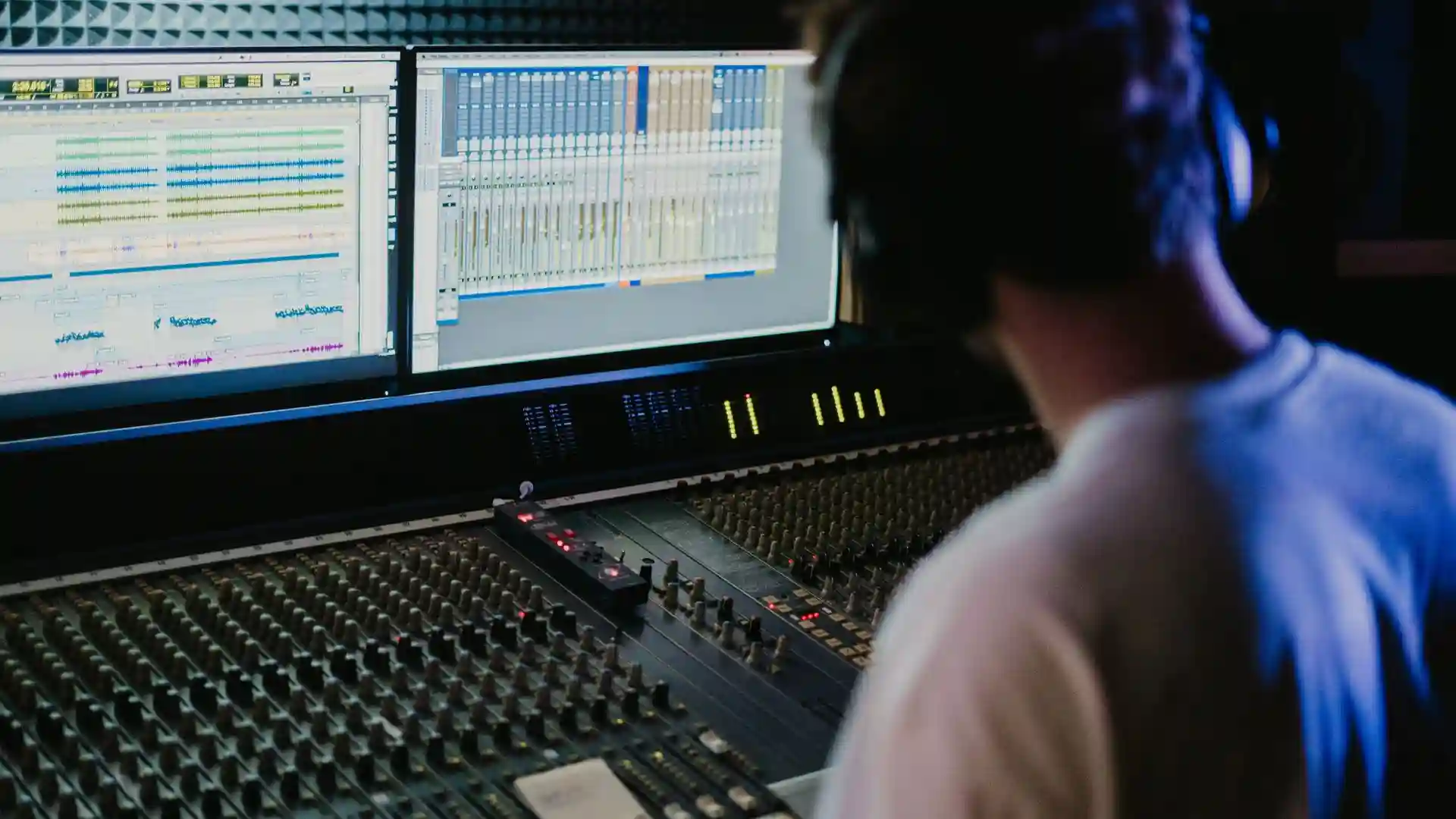
ElevenLabs Sound Effects. It turns typed descriptions into multiple variations per prompt, each up to about thirty seconds. The free plan includes monthly credits, and paid plans start at a few dollars a month. It is strong on percussive hits and ambience textures, but check the license before commercial use.
Adobe Firefly Generate Sound Effects. This one accepts text plus an optional voice sketch. Hum a rough idea, and it returns a polished effect timed to your voice. Adobe describes the output as commercially safe, which matters for client work.
Stable Audio from Stability AI. An open-weight model you can run on your own machine. It handles musical textures and atmospheric layers well, with a license friendly to small creators. Best for offline work if you have a decent GPU.
Mirelo SFX 2.0. Instead of text, you feed it your finished video, and it rebuilds the sound design while keeping dialogue intact. The fastest fix when the cut is locked and the audio feels thin. See this ElevenLabs review for more on the leading tool.
Weak prompts make mushy audio. Follow this four-step method every time you generate.
One habit separates beginners from pros. Layer two simple generations instead of chasing one perfect clip. A low rumble under a crisp impact sounds bigger than either clip alone. Duck the layers under dialogue. Pair generated effects with an AI voice-over generator and your whole video can be produced from text.
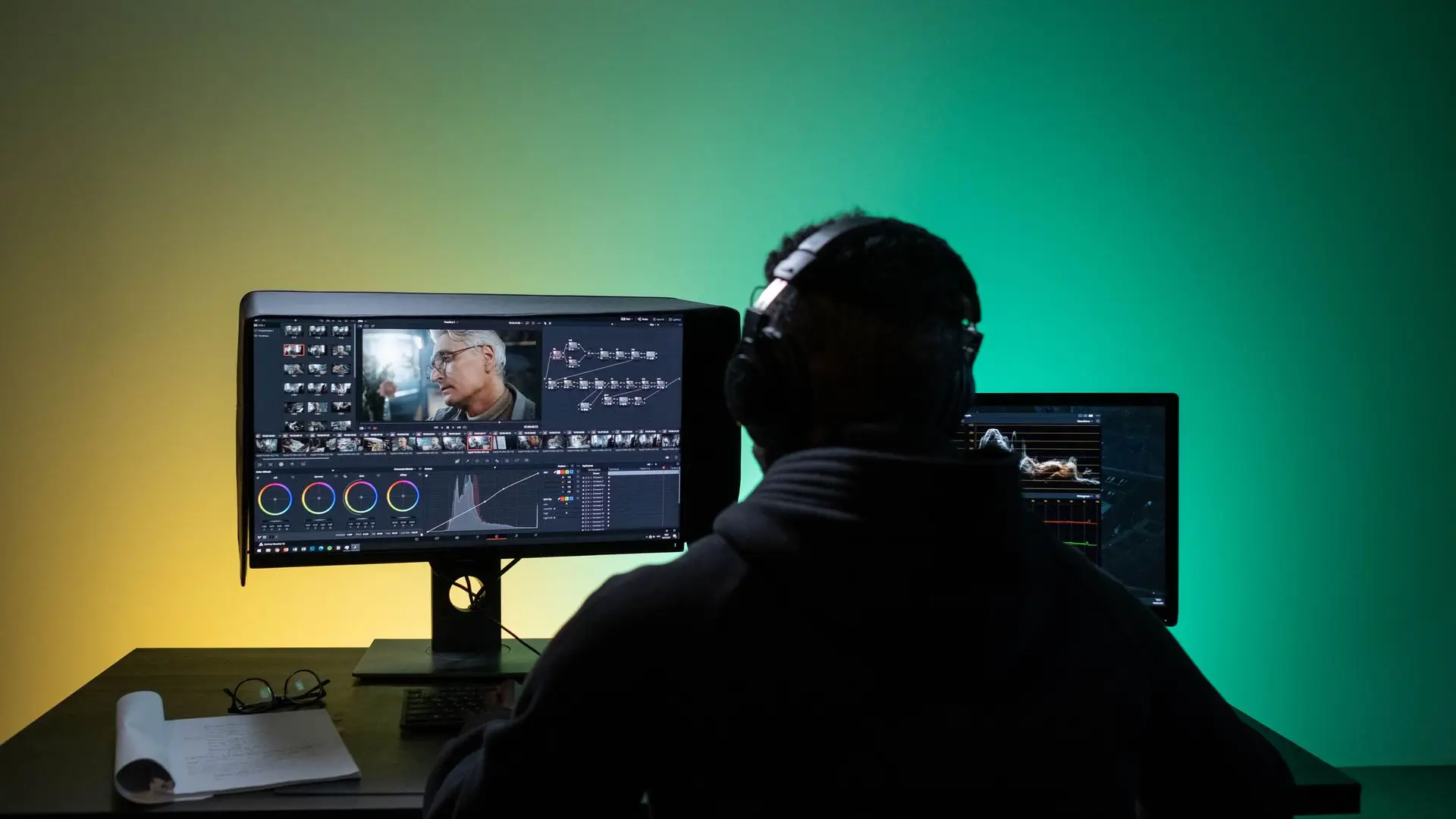
Video editors fill the gaps stock libraries leave behind. Scene transitions get custom swooshes that match the cut. Product reveals get tailored impacts instead of generic booms. Vlogs get room tone that glues jump cuts together. Indie game developers get even more value. Interface clicks, footsteps, and looping ambience all need dozens of small variations, and generating them beats buying packs. Podcasters use short stingers to sound polished without hiring a producer. When every dollar matters, generating exact sounds on demand beats paying for a giant library you barely use. Many creators combine generated effects with text-to-speech tools to finish a video in one afternoon.
The most common mistake is a prompt with no detail. If your output sounds like noise soup, add the sound source, the space, and the distance, then regenerate. The second mistake is reusing one clip everywhere. Generate fresh variants for each scene. The third mistake is skipping the license check. Read the terms before a client video or ad goes live. The fourth mistake is mixing too loud. Drop effects a few decibels under dialogue. A free noise remover is a smart companion for clean recordings. See this sound effects guide for a broader 2026 comparison.
An AI sound effects generator rewards a simple habit. Write a short cue sheet of the sounds your next video needs. Generate three variants of each with detailed prompts. Layer where it helps and mix under your voice. That is the whole workflow. Pick one video this week and build its entire sound design with AI.