 11
11
I find that building a complete full‑stack website can take a lot of time. Developers often must take care of the entire back end, databases, APIs, testing, and debugging all by themselves. By 2026, Best Agentic AI coding tool that have built‑in artificial intelligence are making many tasks faster and easier.
These tools help developers write code, understand projects, spot bugs, create new features, and even build parts of an application from a simple description. Every tool works in its own way, so picking the right one depends on the project and your skill level.
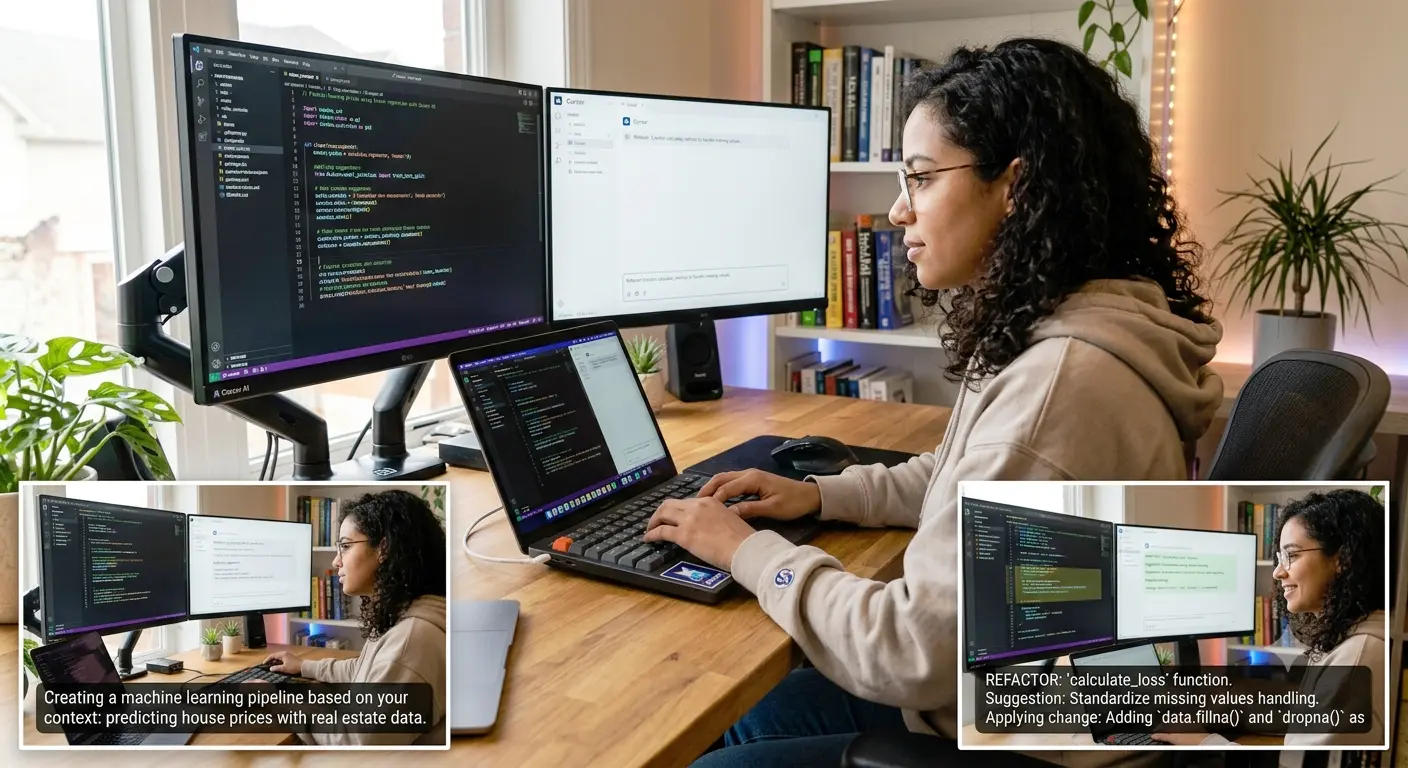
Cursor AI is a choice for developers who want help on a whole project. It can read a codebase, suggest changes, fix bugs, and build larger features instead of just finishing single lines of code.
One useful feature is that Cursor can work across files. This is helpful when building a full‑stack application because one feature may need changes in the backend and other parts of the project.
Cursor supports models and has tools for planning, reviewing changes, and working with an existing codebase.
GitHub Copilot is a choice among developers. GitHub Copilot works as a coding helper. Can give code suggestions while you code. GitHub Copilot can also answer questions about your code, help with tasks, and assist with changes and pull requests.
For developers who use GitHub a lot, GitHub Copilot can fit into their workflow smoothly. GitHub Copilot is especially useful when you want help without changing your coding style and workflow.
GitHub says GitHub Copilot can help with coding, planning, research, code changes, and pull requests that developers can review before approving.
Replit is a choice for people who want to turn an idea into a working app without spending much time setting up a development environment. Replit’s tools can create websites and apps from natural‑language commands. Replit says its system can handle parts such as the user interface, backend logic, databases, authentication, and other app features.
This is especially attractive to newcomers, learners, small businesses, and developers who want to test a concept. Replit lets you describe what you want to see as the result, and keep changing it by talking about it.
Windsurf is a tool that is worth thinking about for developers who need help while working on a big software project. It helps developers write and change code while keeping the project in mind.
This way of working can be helpful for full-stack development because projects usually have connected files. Instead of looking at each file by itself, new coding tools are being made to understand the whole project.
Public reviews for 2026 often put Windsurf next to Cursor and GitHub Copilot when people talk about coding tools.
Claude Code is made to work with code using the terminal. Can be useful for bigger development projects. It doesn’t just suggest a line of code; it helps developers understand a project, make changes in many files, and solve harder coding problems.
This can be very useful for experienced developers who’re comfortable with the command line. It can also help with fixing problems and making changes where several parts of a project need to be updated at the same time.
There is no tool that works best for every developer. The best choice depends on how you work.
If you need a tool that can understand codebases and help with coding across multiple files, Cursor stands out. It’s an option for developers who want deep support in complex projects.
If your projects already depend heavily on GitHub, GitHub Copilot may fit in naturally. It works well with existing workflows and integrates smoothly with pull requests and repositories.
For beginners or those who want to build a working app without dealing with setups, Replit offers a simple path. It lets you turn ideas into working applications and makes it easy to improve them over time.
Developers who prefer working in the terminal might like Claude Code. It supports command-line workflows. Offers helpful coding suggestions. For those who want an AI coding environment, Windsurf is a good alternative.
Before picking a coding tool, think about the tasks you usually do. A beginner building a website might not need the same features as an expert creating a large-scale application.
Look for support for your programming languages, easy project organization, solid debugging tools, and the ability to understand your codebase. Make sure the tool works with the tools you already use.
Always review the code that the tool generates. Don’t accept every suggestion without checking. These tools can save time. They don’t replace testing or careful thinking.
A feature created by AI might look correct. It could still have security flaws, performance issues, or logical errors. You still need judgment to make sure the final product works right.
Coding has evolved significantly, and full-stack developers now have greater support available than ever before. Tools like Cursor, GitHub Copilot, Replit, Windsurf, and Claude Code can minimize redundant tasks and assist developers in transitioning from a concept to a functional application more quickly.
The correct decision depends on your experience, processes, and project needs. Rather than selecting a tool just due to its popularity, opt for one that aligns with how you truly develop websites and applications. The aim is to prevent a tool from substituting for your programming abilities. The actual advantage lies in utilizing it to reduce time spent on repetitive tasks, allowing for more focus on resolving critical issues and enhancing product development.