

 11
11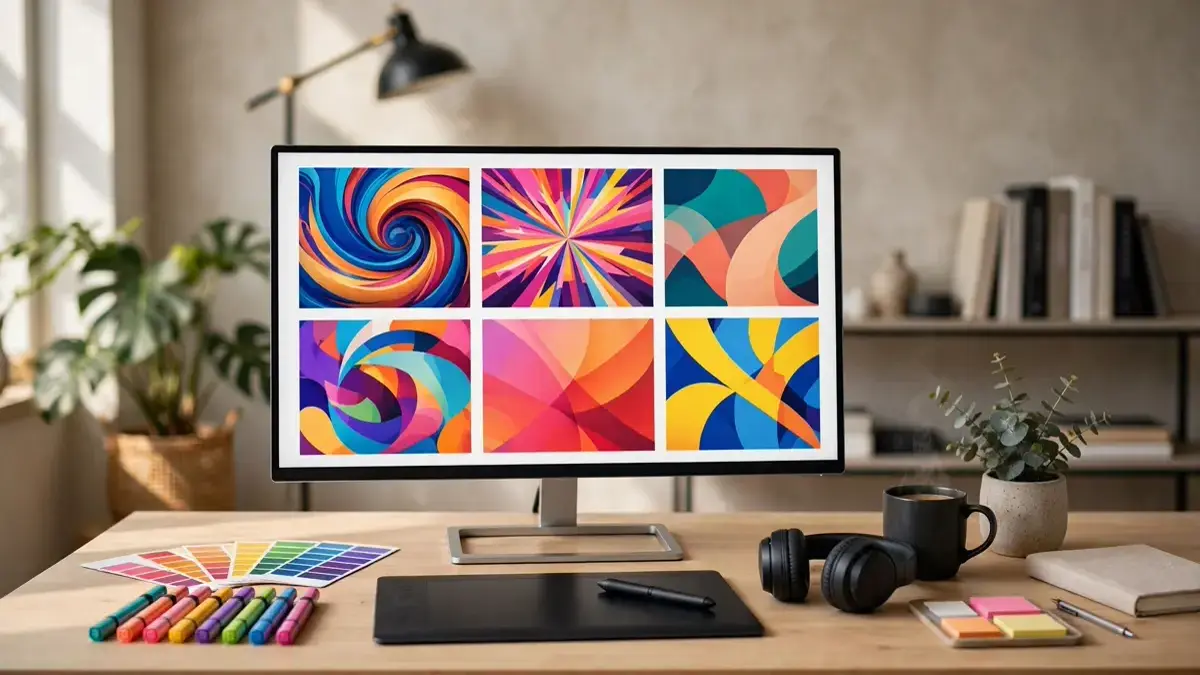
You can spend ten hours editing a video, but viewers decide in one second from the thumbnail. That’s why an ai thumbnail maker for youtube has become one of the most valuable tools a creator can use. It helps you turn a plain frame into a bold, clickable image in minutes, even if you’ve never opened Photoshop. In this guide, you’ll learn how these tools work, which ones are worth trying, and how to design thumbnails that actually get clicks.
We’ll cover what makes a thumbnail clickable, the best AI thumbnail makers in 2026, and a step-by-step workflow you can copy today. Whether you run a small channel or publish daily, these ideas will help your videos stand out in a crowded feed.
Table of Contents
An AI thumbnail maker for YouTube is a tool that uses artificial intelligence to help you design video thumbnails, the small preview images viewers see before they click. Some generate full images from a text prompt; others enhance your own screenshot with bold text, brighter colors, and cleaner layouts. Either way, the goal is the same: stop the scroll and earn the click.
Most of these tools work in three stages. First, you pick a template or upload a frame from your video. Then the AI suggests layouts, backgrounds, and text styles based on what performs well in your niche. Finally, you tweak the result: swap the face, change the wording, adjust the contrast until the thumbnail looks like something you’d click yourself.
The real advantage is speed. A thumbnail that used to take an hour in a design program now takes ten minutes, and you can test three versions in the time it once took to make one. For creators who publish often, that speed compounds into a real channel advantage.
The AI thumbnail maker for YouTube market has matured fast. The strongest options in 2026 combine AI image generation with easy editing, so you get a polished result without a design background. Pick based on whether you want full generation, template-based editing, or a mix of both.
Clicks come from clarity, emotion, and curiosity — not clutter. A strong thumbnail shows one clear subject, one strong emotion, and at most three or four words of text. The image should still make sense at the tiny size it appears in the sidebar. If a stranger can’t tell what the video is about in one second, the thumbnail is too busy.
No. Most AI thumbnail makers are built for non-designers, with templates, auto-layouts, and one-click fixes. You still need good judgment about what message to show, but the tool handles the technical work. Pair it with our AI video editing tools for YouTubers guide for the full production workflow.
Yes, when they follow proven principles: clear subject, strong emotion, short text, and high contrast. AI speeds up the process, but strategy still matters. Creators who test two versions per video usually see steady CTR gains within weeks.
YouTube recommends 1280 × 720 pixels with a 16:9 aspect ratio, in JPG, GIF, or PNG format, under 2 MB. Every major AI thumbnail maker exports to this size automatically, so you rarely need to resize manually.
Yes. YouTube allows AI-assisted thumbnails as long as they don’t mislead viewers about the video’s content. Keep the thumbnail honest — it should reflect something real in the video, not promise something that never happens.
An AI thumbnail maker for YouTube won’t guarantee views, but it gives you the speed to test, learn, and improve faster than creators who design one thumbnail by hand. Build two versions, check your CTR in YouTube Studio, and keep what works. For more creator tools, see our AI text-to-speech tools guide and keep improving every part of your channel.



One thought on “AI Thumbnail Maker for YouTube: Get More Clicks”