

 11
11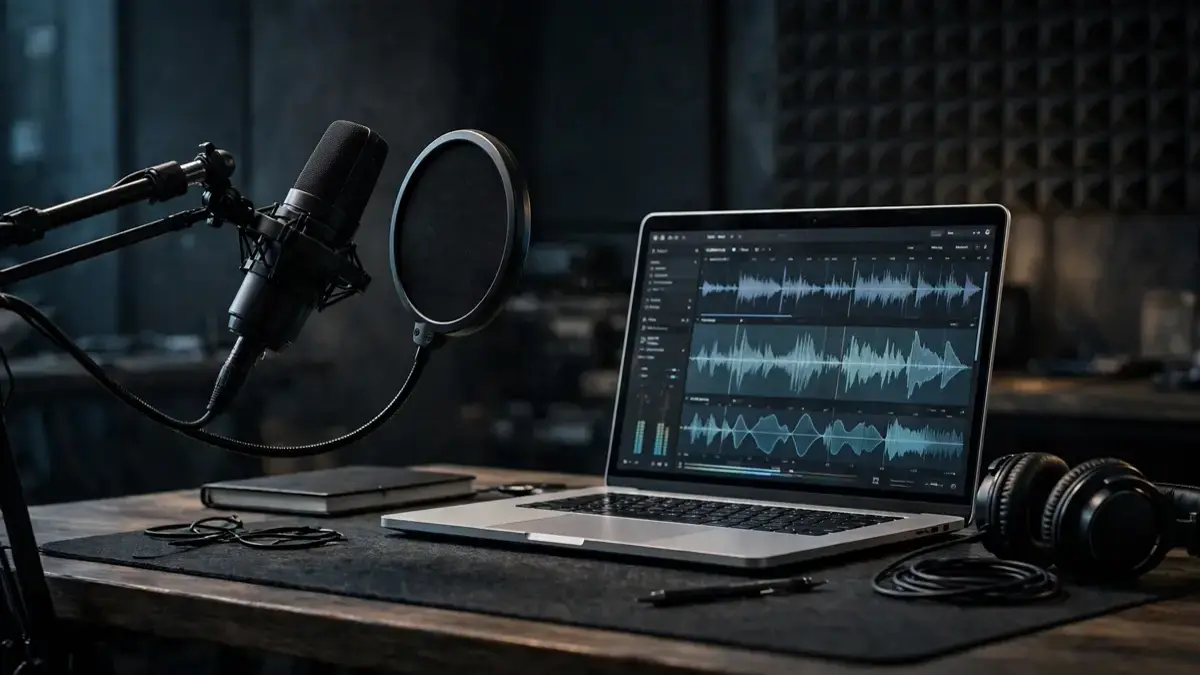
Every video needs a voice, but not every creator has a recording studio. Hiring a voice actor costs money, and recording your own narration takes time, quiet space, and endless retakes. That is why an ai voice over generator free plan has become the go-to shortcut for YouTubers, course creators, and podcasters. You type your script, pick a voice, and get clean narration in minutes.
In this guide, you will learn which free voice over generators sound the most natural, how to write scripts that AI voices read well, and the exact workflow for narration that does not sound robotic. We will also cover free limits, the ethical rules around voice cloning, and the mistakes that make AI narration obvious. By the end, you will be ready to narrate your next project.
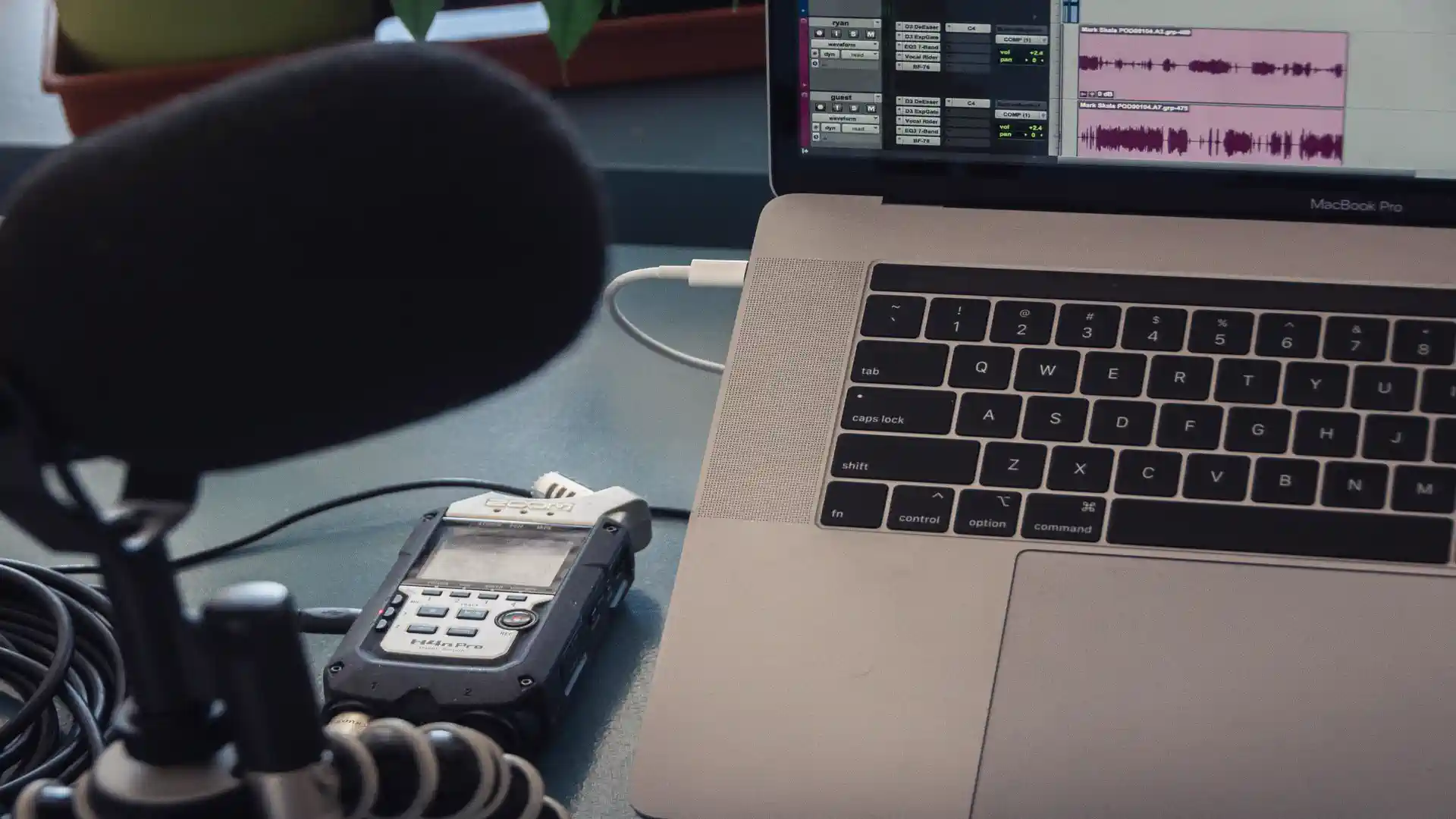
Recording your own voice sounds simple until you try it. One noisy room, one barking dog, or one bad cold can ruin an entire session. A free AI voice over generator removes those variables completely. You get the same clean, consistent delivery every time, and you can regenerate one sentence without re-recording the whole script.
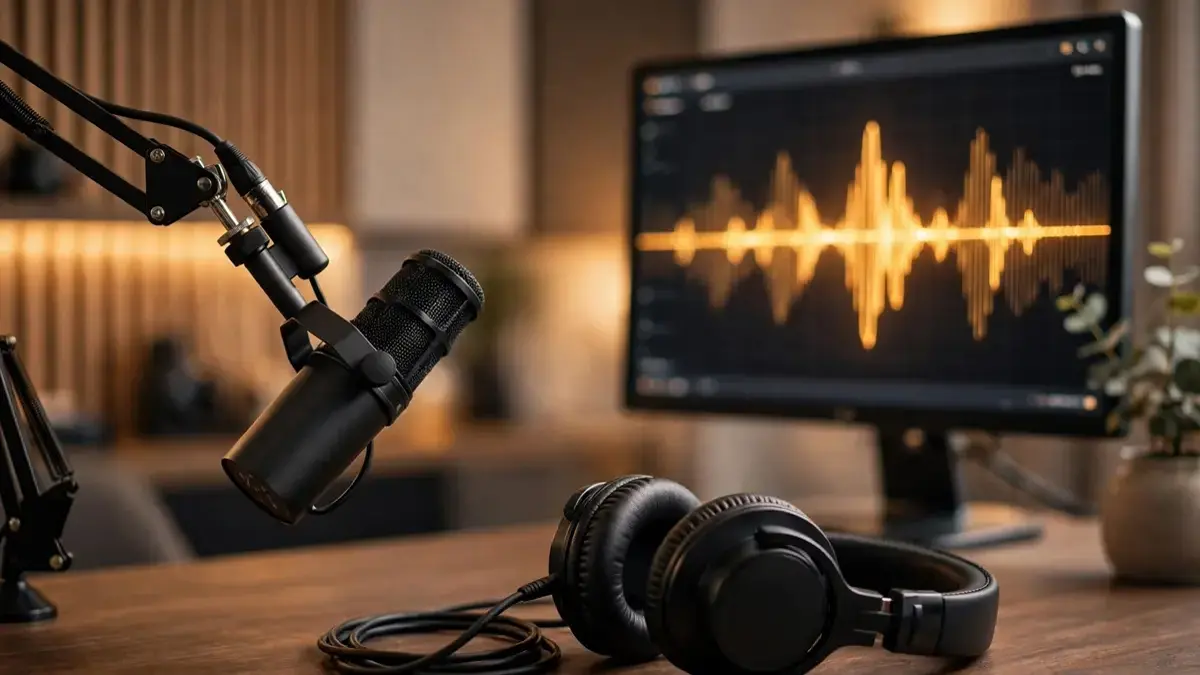
Speed is the second advantage. A ten-minute script that takes an hour to record, edit, and clean up can be generated in under five minutes with AI. That saved time goes into writing better scripts, making better visuals, or simply publishing more often. Our guide to AI text to speech tools compared explains how these engines work.
There is also a cost argument that is hard to ignore. Studio time, microphones, and voice actors add up quickly, especially for creators just starting out. Free plans from tools like ElevenLabs and Google Cloud Text-to-Speech let you test professional-quality voices without spending anything. You can validate a channel idea or finish a client sample before you ever pay for audio.
Modern free voice generators sound surprisingly human on short, simple sentences. They handle natural pauses, emphasize the right words, and keep a steady pace. They still struggle with sarcasm, complex emotions, and very long sentences, which is why scriptwriting matters so much. Write short sentences, use simple punctuation, and read your script aloud once before generating.
Every free plan has a ceiling, and it usually shows up in one of three places: monthly character limits, voice variety, or commercial usage rights. A plan might give you ten thousand characters a month, roughly ten minutes of narration. Some free tiers also restrict downloads to personal projects only. Always check the license before using a free voice commercially.
Follow these five steps and you will have publish-ready narration in less than thirty minutes. The workflow below uses only free features, so you can repeat it for every video without worrying about credits. Keep scripts short and conversational, because that is what AI voices handle best.
Yes, for most creators. Free plans cover short to medium videos, and the quality is good enough that viewers rarely notice the voice is AI. The main limits are monthly character caps and voice variety. If you publish daily or produce long documentaries, you may eventually need a paid plan.
It depends on the tool. Some free plans allow commercial use, while others restrict free voices to personal projects. Always read the terms of service for the specific tool you use, and keep a screenshot of the license. When in doubt, choose a tool that clearly allows monetization on its free plan.
Write conversational scripts, keep sentences short, and add natural pauses between ideas. Choose a voice with a medium pace rather than the fastest setting. The biggest improvement comes from editing your script for the ear. If a line sounds awkward when you read it aloud, rewrite it before generating.
A free AI voice over generator is one of the fastest ways to level up your content without spending money. Pick a tool, write a short conversational script, and generate your first narration today. You will be surprised how professional it sounds. Share in the comments which voice you used.



One thought on “AI Voice Over Generator Free: Top Tools in 2026”