Every developer has a dark secret hiding in their project history. Commit messages that say fixed stuff, update, and final final version. Six months later, nobody knows what changed or why, and debugging becomes a painful guessing game. An ai git commit message generator ends this problem for good. It reads your actual code changes and writes a clear message that explains what you did. In this how-to guide, you will see which free AI git commit message generator tools work best, how to hook one into your daily workflow, and simple rules that keep every message clear.
This guide shows you how these tools work, which free options are worth installing, and the simple workflow that keeps your commit history clean forever. You will never stare at a blank commit box again.
What an AI Git Commit Message Generator Actually Does
Every time you change code, Git can show exactly what lines were added or removed. An ai git commit message generator reads that difference and uses a language model to describe it in plain words. Instead of typing a vague message yourself, you get a suggestion like add login validation to signup form or fix crash when cart is empty. Most tools follow popular styles such as conventional commits, so your history looks tidy and professional. The message always appears for your review before anything is saved, so you stay in control.
How to Generate Commit Messages With AI in 4 Steps
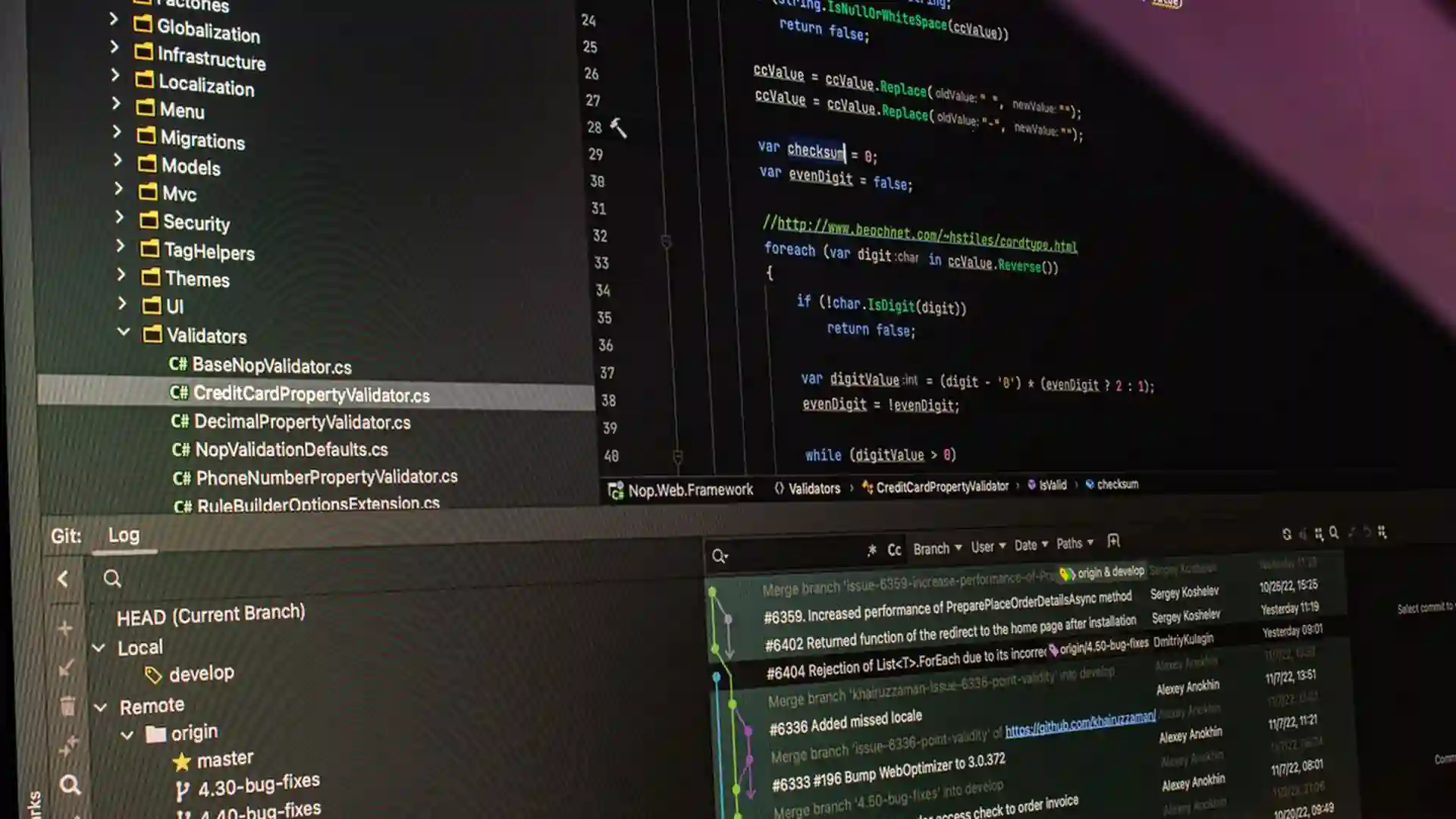
Setup takes only a few minutes, and the daily workflow is even simpler than you might expect.
Step 1. Stage your changes as usual. The AI only reads files you have staged, so unstaged work stays private and never reaches the model.
Step 2. Install your chosen tool and connect it. Most options need an API key from a free tier, or they can run with a local model on your machine. Pick one of the free tools below to get started.
Step 3. Generate the message and read it carefully. If the first suggestion misses the point, ask for more options or edit it by hand before accepting. A quick review takes five seconds and keeps quality high.
Step 4. Confirm the commit. The message is saved with your changes, and your project history gets one more clear and useful entry. Repeat this flow every day and your history stays clean on its own.
Best AI Git Commit Message Generator Free Tools in 2026
aicommits on GitHub is the most popular open-source option. It is a small command-line tool that reads your staged changes and writes the message for you. It supports several styles, including plain text, conventional commits, and gitmoji, and it can install itself as a Git hook so a normal commit triggers the AI automatically. You bring your own API key, and many providers offer free tiers that easily cover daily use.
Free AI Commit extension is a VS Code extension that works with zero setup. Click one button in the source control panel, and it fills in a clean conventional commit message. You can also connect free API keys from providers like Gemini or Groq for higher limits, or run it fully offline with a local model. If you live in VS Code, this is the fastest path available.
GitHub Copilot can also suggest commit messages right inside your editor and on the GitHub website. It is a paid tool, but many developers already have it, so it costs nothing extra for them. For a lightweight Python alternative, the PyPI commit tool works through a free cloud API. Pair any of these with solid code review tools and documentation generators for a truly professional workflow.
Simple Tips for Better AI-Written Commit Messages

The AI is only as good as the changes you stage. Keep each commit focused on one task so the message stays accurate. Stage related files together and avoid mixing a bug fix with a new feature in one commit. If the first suggestion is weak, generate two or three options and pick the best one. Many developers set their tool to the conventional commit style, which makes automatic changelogs possible later. A quick human read before every commit catches the rare bad suggestion.
Mistakes That Ruin AI-Generated Commit Histories
The worst habit is accepting every suggestion without reading it. AI tools sometimes misunderstand a change, especially in large diffs, so always skim the message first. Do not stage secrets or private keys by accident, because the AI reads everything you stage. Avoid giant commits with hundreds of changed files, since the model cannot summarize them well and the message turns vague. Never let the tool write messages for code you did not review yourself. A clean history comes from small, focused commits plus a quick human check.
An AI git commit message generator will not make you a better programmer, but it will make your work easier to understand. Debugging old changes becomes far less painful. Install one of the free tools above, keep your commits small, and always give the message a quick read. If you want to see how AI helps across the whole coding process, check out our Cursor AI review and our roundup of code generator tools. Good commit habits compound over time, and AI just removed the last excuse for bad ones.


 1






One thought on “AI Git Commit Message Generator: Clean History in 2026”