 11
11
Meetings eat your week. Then the notes eat the rest of it. You sit through a one-hour call. You spend another hour writing up what happened. An AI meeting notes app ends that cycle. It joins your call or records from your device. It transcribes every word and pulls out decisions and action items.
You get clean notes minutes after the meeting ends. In this guide, I compare 7 of the best AI meeting notes app options for 2026. You will see which one fits your workflow and saves the most time.
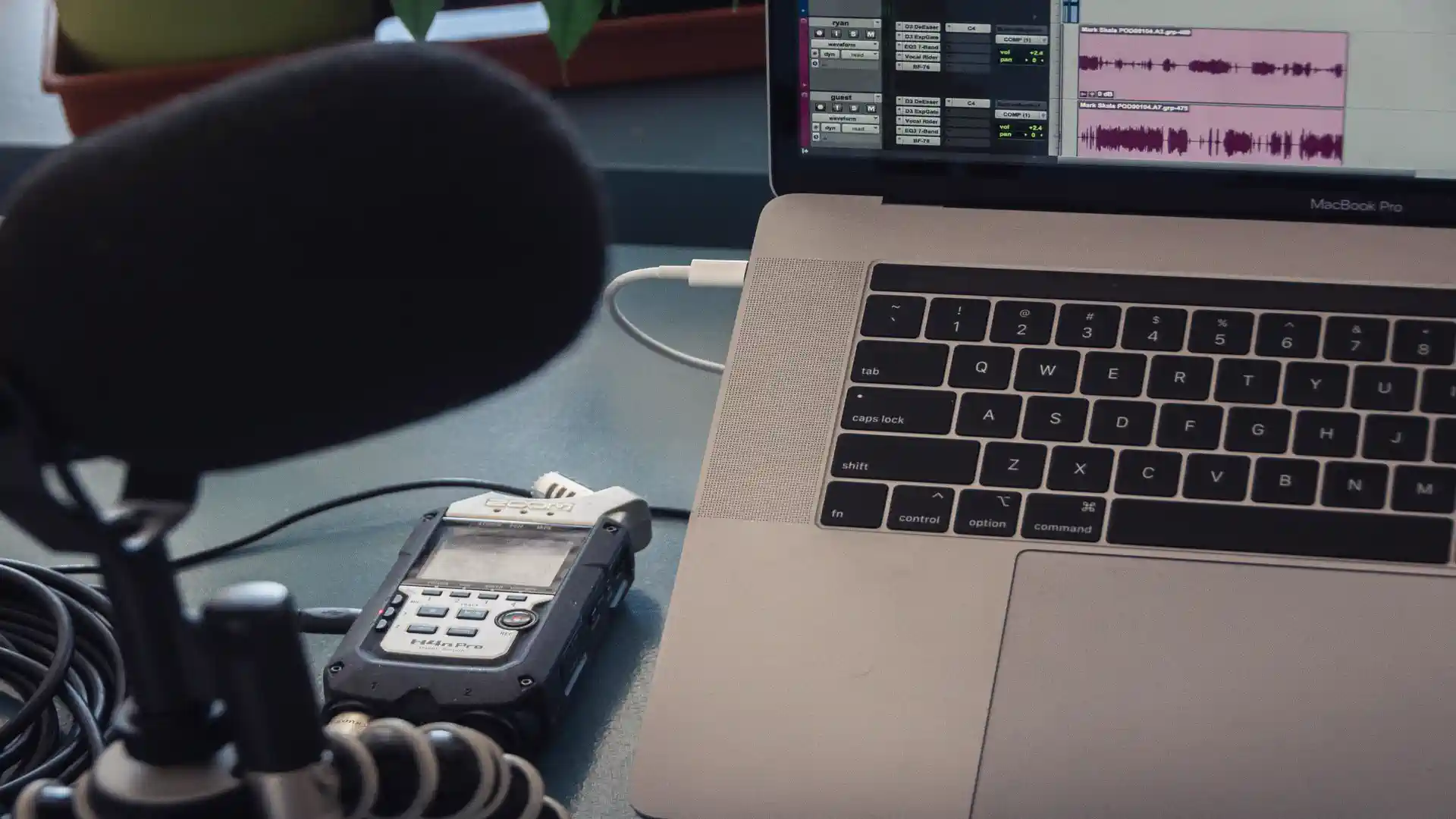
An AI meeting notes app listens so you do not have to write while people talk. It joins the call or records from your computer. It turns speech into text in real time. Then it builds a summary with key points, decisions, and action items. You get searchable notes minutes after the call ends.
Most tools handle Zoom, Google Meet, and Teams. Many also record in-person meetings through a phone app. The best ones tag each speaker by name and stamp every line with a time code. So you can jump to the moment a decision was made. This is where an AI meeting notes app beats manual notes. You stay present. The app handles the record.
These apps also connect to your workflow. Notes can land in Slack, Notion, or your CRM. Action items can turn into tasks. If you work with recorded conversations a lot, you may like a dedicated transcript generator guide for turning long audio into clean text. Creators can pair transcripts with narration built from voice generator tools.
Every app below takes a slightly different approach. Some join as a bot. Some record quietly from your device.
One trend is worth watching. Google is bringing offline meeting notes to Macs with a tool called Foresight. It processes everything on device for extra privacy. Read the Foresight news update for the details.
Start with the bot question. Some teams dislike a bot in the participant list. If that describes your team, pick a bot-free AI meeting notes app like Granola or Jamie. If nobody minds the bot, Fathom and Fireflies give richer recordings.
Check the free limits against your meeting load. Free plans often cap minutes per month or meeting length. Count your weekly meetings. Then pick the plan that covers your longest ones.
Look at where the notes go after the meeting. If your team lives in Slack, pick an app with a Slack integration. If you track deals in a CRM, make sure the AI meeting notes app pushes summaries there. Teams that record client interviews can use dedicated interview transcription tools for one-on-one calls.
Tell people when an AI is recording. Every time. Some regions require consent by law. A quick line at the start of the call is enough. Most tools announce themselves when a bot joins.
Check what the app stores and for how long. Some keep audio and video for months. Some delete the recording right after transcription. If you discuss client data, pick the stricter option. Offline tools like Foresight keep everything on your own machine.
Share notes only with people who need them. Meeting transcripts often contain names, plans, and numbers. Set a clear policy on who can view and download them.
An AI meeting notes app gives you back hours every week. The 7 picks above cover every style from full video capture to quiet bot-free recording. Choose the one that matches your team culture. Start with the free plan. Run it on your next three meetings. Your next step is simple. Install one app today and let it take notes in your next call.