

 11
11
Making images has become much easier than it used to be. You do not need design skills or expensive software to make a useful image for a blog, website, social media post, or personal project. With a free AI image generator that requires no sign-up, you can simply describe what you want and let an AI tool create an image from your words.
This is especially helpful when you need an image quickly and do not want to create another account. Some AI image generators let users start making images from their websites without registration. Others offer free image creation. May ask you to sign in before using certain features.
In this guide, we will look at how these tools work, what you can make with them, how to write prompts, and what to check before using an AI-generated image.
An AI image generator is a tool that makes images from text instructions. You type a description called a prompt, and the AI turns that description into a visual image.
For example, you could write:
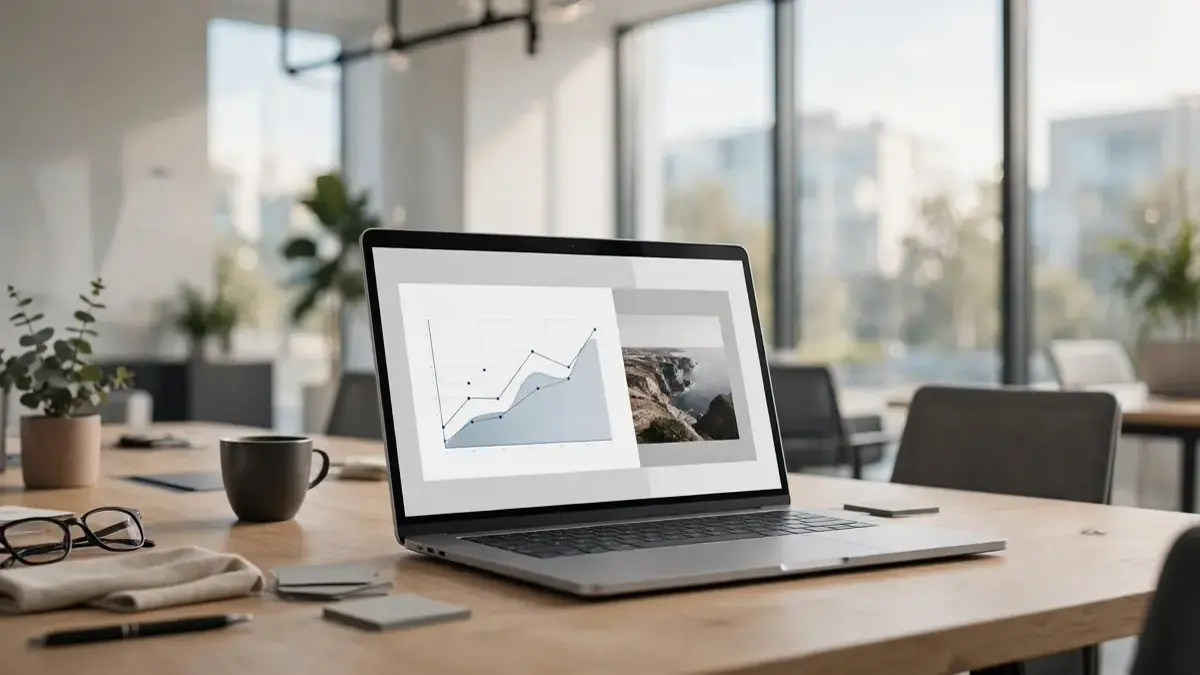
A realistic modern office with a laptop on a desk, indoor plants, natural morning light, and a clean professional workspace.
The AI will use your description to make an image that matches the subject, setting, style, and other details in your prompt.
This makes image creation faster. Instead of searching through stock-photo websites or spending hours designing an image yourself, you can make something based on your exact idea.
The phrase free no sign up usually means that you can use an AI image generator without creating an account
This can be helpful for people who only need a few images and do not want to provide an email address or register for another service.
However, free and no sign-up do not always mean unlimited. A website may allow image generation but still have limits on the number of images you can make, image resolution, download options, or available styles.
Some websites also change their policies over time. A tool that works without registration today may require an account later. Therefore, it is always a good idea to check the website before relying on it for an important project.
Perchance is an option for people who want to try out AI-generated images without going through a traditional registration process.
You can enter a prompt. Make different types of images directly in your browser. It can be helpful for blog graphics, creative artwork, characters, scenes, and general image experiments.
One of its advantages is the simple process. You can start with an idea without spending time setting up an account.
Best for: image creation, creative ideas, blog visuals and experiments.
Craiyon is another well-known AI image generator that lets users make images from text prompts.
It is easy to use, which makes it good for beginners. You can describe an object, person, place, or creative scene. Let the system make images based on your description.
The free version has limits, so it may not be suitable for people who need a number of high-resolution images. Still, it can be useful when you want to test an idea before using an advanced tool.
Best for: beginners, simple artwork, illustrations, and testing ideas.
Magic Studio provides AI-powered image creation and editing tools. You can describe the kind of image you want. Use different settings to make a visual that fits your needs.
It can be helpful for website graphics, social media content, marketing ideas, and quick creative projects.
Free access may have limits, so check the terms before using it for regular commercial work.
Best for: marketing visuals, social media images and quick designs.
DeepAI provides AI tools for making images from text. It is helpful for people who want to try artistic styles and creative concepts.
You can describe your idea. Let the AI make an image based on your instructions. Like free AI services, usage and available features can change depending on the current plan.
Best for: artwork, creative concepts and text-to-image experiments.
The process is usually very simple.
First, open an AI image generator that supports use without registration. Find its image-generation tool. Enter a description of the image you want.
For example:
A mountain landscape at sunrise, green trees in the foreground, soft golden sunlight, clear sky, professional travel photography, wide landscape composition.
After entering the prompt, click the generate button. Wait for the image.
If the first result is not what you expected, change the prompt. Add details about lighting, camera angle, colors, background, style, and composition.
Small changes can make a difference.
A prompt does not have to be extremely long. It simply needs to explain the parts of the image clearly.
Try to include these elements:
Subject: Explain what should be in the image.
Location: Tell the AI where the subject’s
Style: Mention whether you want a photo, illustration, painting, 3D image or another style.
Lighting: Describe light, studio lighting, sunset light, soft light or another option.
Composition: Explain whether you want a close-up shot, a centered subject or another composition.
Mood: Add words such as professional, peaceful, dramatic, modern or cheerful.
For example of writing:
AI technology
You could write:
A realistic modern office with a laptop showing an artificial intelligence interface, clean desk, natural window light, professional technology photography, wide composition, modern business atmosphere.
The second prompt gives the image generator more useful information.
For more prompt ideas and examples, you can also explore Midjourney Prompts for Beginners.
AI image generators are especially helpful for bloggers because you can make images that match the subject of an article.
Modern AI technology workspace with a laptop displaying an intelligence interface, clean desk, natural light, realistic professional photography, wide landscape composition.
Business owner working on a laptop in a modern office, digital marketing charts on screen, natural daylight realistic photography, clean professional environment.
Mountain destination during sunrise, detailed landscape, soft golden sunlight, clear sky, realistic travel photography, wide cinematic composition.
Modern smartphone placed on a wooden desk, soft studio lighting, realistic product photography, sharp details, minimal professional background.
These prompts can be changed according to the subject of your article.
If you are also working on SEO for your blog, you can learn more about AI Search Optimization Services and how AI-related search strategies can support your content.
Yes, AI-generated images can be useful for blogs and websites. You can make images, section illustrations, social media graphics, and supporting visuals.
However, you should always check the terms of the AI image generator you use. Free access does not automatically mean that every generated image can be used for every purpose.
If you are making images for a business website, advertisements, products, or client projects, read the licensing terms before publishing them.
AI-generated images can look impressive. They are not always perfect.
Look closely at the image before using it. Check the hands, faces, objects, shadows, background, and small details.
Text inside AI-generated images can also have spelling mistakes or strange characters. If you need an image containing a logo, product name, sign, or large amount of text, you may need to edit the image afterward.
Also check whether the image has a watermark and whether the free version allows the type of use you need.
Taking a few minutes to review an image can prevent problems after publication.
As with any service, you should be careful about what information you provide.
Avoid entering information into prompts or uploading confidential photographs unless you understand how the website handles your data.
For blog graphics, illustrations, backgrounds and creative experiments these tools can be convenient. For material check the sites privacy policy and terms before uploading anything.
You can also read more about AI Safety Regulations for additional information about AI safety.
There is no tool that is suitable, for every user. Different generators offer features, image styles, limits and download options. If avoiding registration is your requirement look specifically for tools that currently allow image generation without an account.
Yes. Some AI image generators allow users to create images without providing an email address or creating an account. However this depends on the service and can change over time.
Not necessarily. The rights connected to an AI-generated image depend on the services terms how the image was created and how you intend to use it. Always check the licensing rules before using an image commercially. You can also review the U.S. Copyright Office’s AI and copyright guidance for more information.
In cases yes. AI generated images can be used for website graphics, blog posts, social media content and other projects subject to the tools terms and licensing conditions.
No. Ai image generators are designed to work with normal written descriptions. The clearly I describe my idea the easier it is for the tool to produce a useful result.
A free AI image generator with no sign up can be a way to create images without installing complicated software or making another online account.
Tools such as Perchance, Craiyon, Magic Studio and DeepAI offer ways to experiment with AI generated images. The right choice depends on what type of image I need how control I want and whether I need an account.
For results focus on writing clear prompts. Describe the subject setting, style, lighting and composition of using only a few general words. You can also see Adobe Firefly’s official image generation guide for another example of text-to-image generation.
Importantly always review the final image before publishing it and check the current usage terms when I plan to use the image for commercial purposes.


One thought on “AI Image Generator Free No Sign Up: Best Tools to Create Images”