11
A new viewer may judge your channel in three seconds, and on a phone your banner may show only a narrow strip in the middle. An AI YouTube banner maker can build that first impression fast, but many tools fail the phone test and leave the channel name cut off. This comparison looks at safe area handling, legible channel name text, style match with thumbnails, and free export limits, so you can pick a tool that works on every screen, not just on a laptop.
A useful banner maker starts with the right canvas and clear safe area guidance. YouTube recommends an upload of 2560 by 1440 pixels, with a minimum of 2048 by 1152 pixels and a file size under 6 MB. A good tool sets that canvas for you and shows the centre safe area. If a tool only makes a pretty wide image with no safe area guide, you will have to guess where the phone crop falls.
Text legibility matters just as much as the background. The channel name should be large, bold, and easy to read on a small screen, with strong contrast against the background. One short line of text works better than a long tagline, because the safe area is wide but short. If your thumbnails use warm photos and bold white text, your banner should use the same colours and fonts. See this YouTube thumbnail maker guide.

The safe area is the centre rectangle of 1546 by 423 pixels inside the full 2560 by 1440 canvas. That centre area is the part that stays visible on phones, tablets, desktops, and TVs. Desktop viewers see a wider strip of 2560 by 423 pixels, and TV viewers see the full canvas. Put the channel name, the main tagline, and the logo inside the safe area.
Test the banner on a phone and a laptop before you call it done. Upload a draft, open the channel on a phone, and check that every word reads well. Then check the desktop view and look for text that sits too close to the edge of the safe area. You can confirm the current specs in the Google developer docs for channel banners.
Canva leads on speed and template choice. Its YouTube banner templates already use the correct canvas size, and its brand kit and thumbnail templates help you reuse the same colours and fonts across the channel. Many templates are free, while some premium templates require a paid plan. Adobe Express is strong on brand control and clean text, and its templates are also sized for YouTube.
A third route is to generate a background image with an AI image tool and then place the text by hand in a design editor. This route gives you a unique background, but it gives you no safe area guide unless you add one yourself, and it takes more time to match your thumbnails.
| Tool or route | Safe area | Text legibility | Style match | Free export |
|---|---|---|---|---|
| Canva | Strong | Strong | Strong | Good |
| Adobe Express | Good | Strong | Good | Good |
| AI image plus manual text | Basic | Good | Fair | Good |
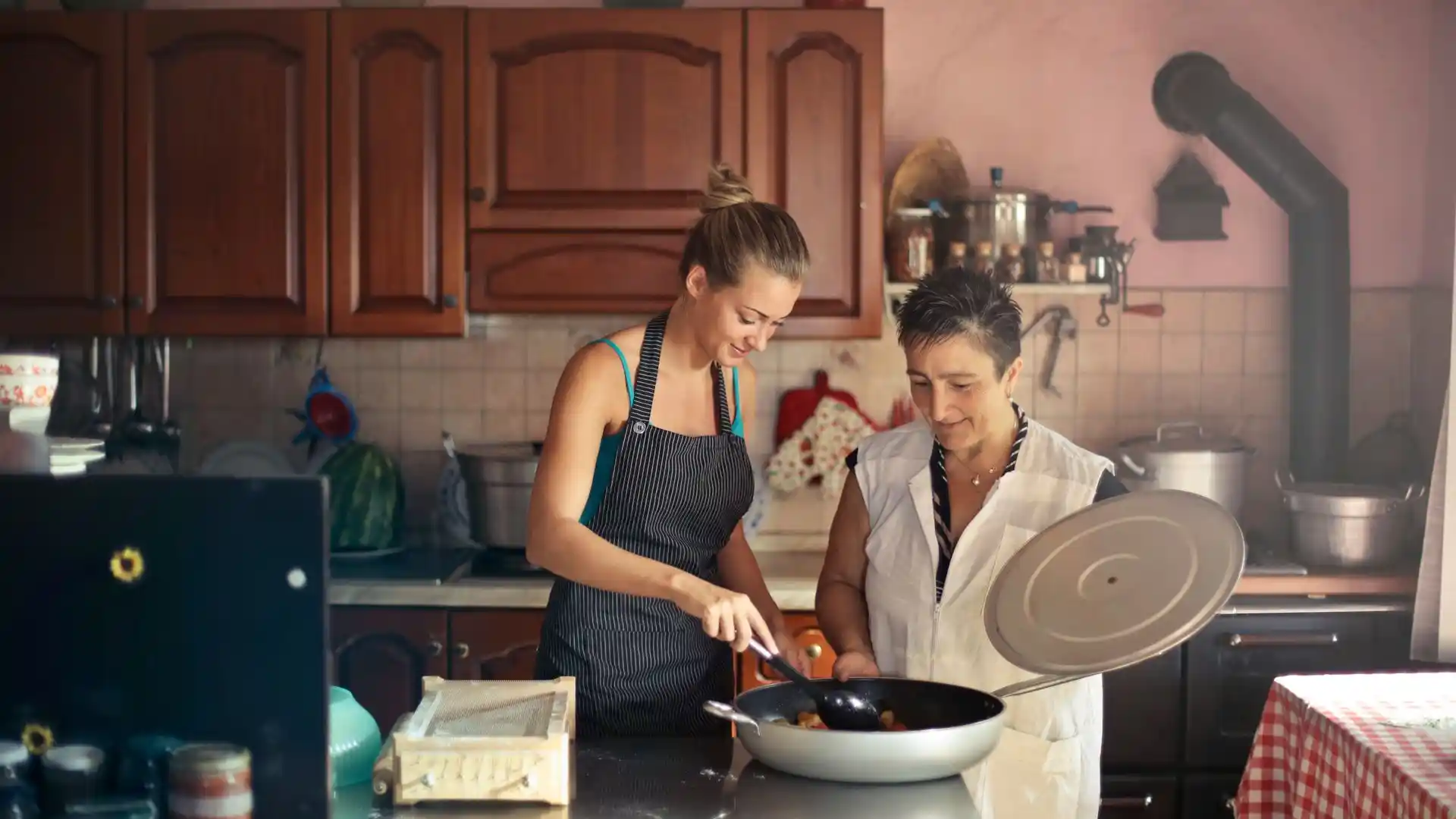
To test the verdict fairly, use one channel brief for every tool. The test channel is Simple Weeknight Kitchen, a new cooking channel that posts two easy dinner videos each week. Its thumbnails use warm food photos and bold white text, and its banner needs to say the channel name, the posting rhythm, and the promise of easy weeknight dinners.
Canva passed the phone test fastest in this brief because the banner template, the safe area, and the thumbnail styles all lived in one place, and the warm photo style matched the thumbnails. Adobe Express also passed the phone test, and it gave tighter control over fonts and brand colours. The manual route needed extra steps for a safe area guide. For a new channel, speed and a consistent look matter most, so Canva is the best pick. For an established brand with fixed fonts and colours, Adobe Express is the best pick and for a matching logo, see these best logo makers and these free poster tools.
Export as PNG when the banner has text or a logo, because PNG keeps sharp edges clear, and export as JPG when the banner is mostly a photo, because JPG keeps the file smaller. Keep the file under 6 MB in both cases, and export at the full 2560 by 1440 size. After upload, check the channel on a phone, a tablet, and a laptop.
Refresh the banner when the channel changes, such as a new series, a new posting rhythm, or a new visual style. A banner does not need to change every week, but a stale banner can make an active channel look quiet. You can explore Canva banner maker and Adobe Express banners to start from a template that already fits YouTube.
The best banner is not the most detailed banner. It is the banner that keeps the channel name inside the 1546 by 423 safe area, uses large, legible text, and matches the thumbnails. Canva is the best pick for a new channel, while Adobe Express is the best pick for an established brand. Your next step is to draft one banner with only the channel name and one short promise inside the safe area, and test it on a phone.