11
11
You know that feeling when you sit down to record your podcast intro for the fifth time and it still sounds off? The room echoes, your voice cracks, or your energy just isn’t there. Now imagine learning how to clone your voice with AI for podcast intros so you can generate a crisp, consistent intro in seconds — without ever opening your microphone.
Here’s the best part: you don’t need a studio, expensive gear, or any technical background. If you can record a one-minute voice memo on your phone, you can do this.
AI voice cloning learns the unique sound of your voice from a short recording, then lets you type text that gets spoken back in that same voice. For podcasters, this means a consistent intro every episode without re-recording.
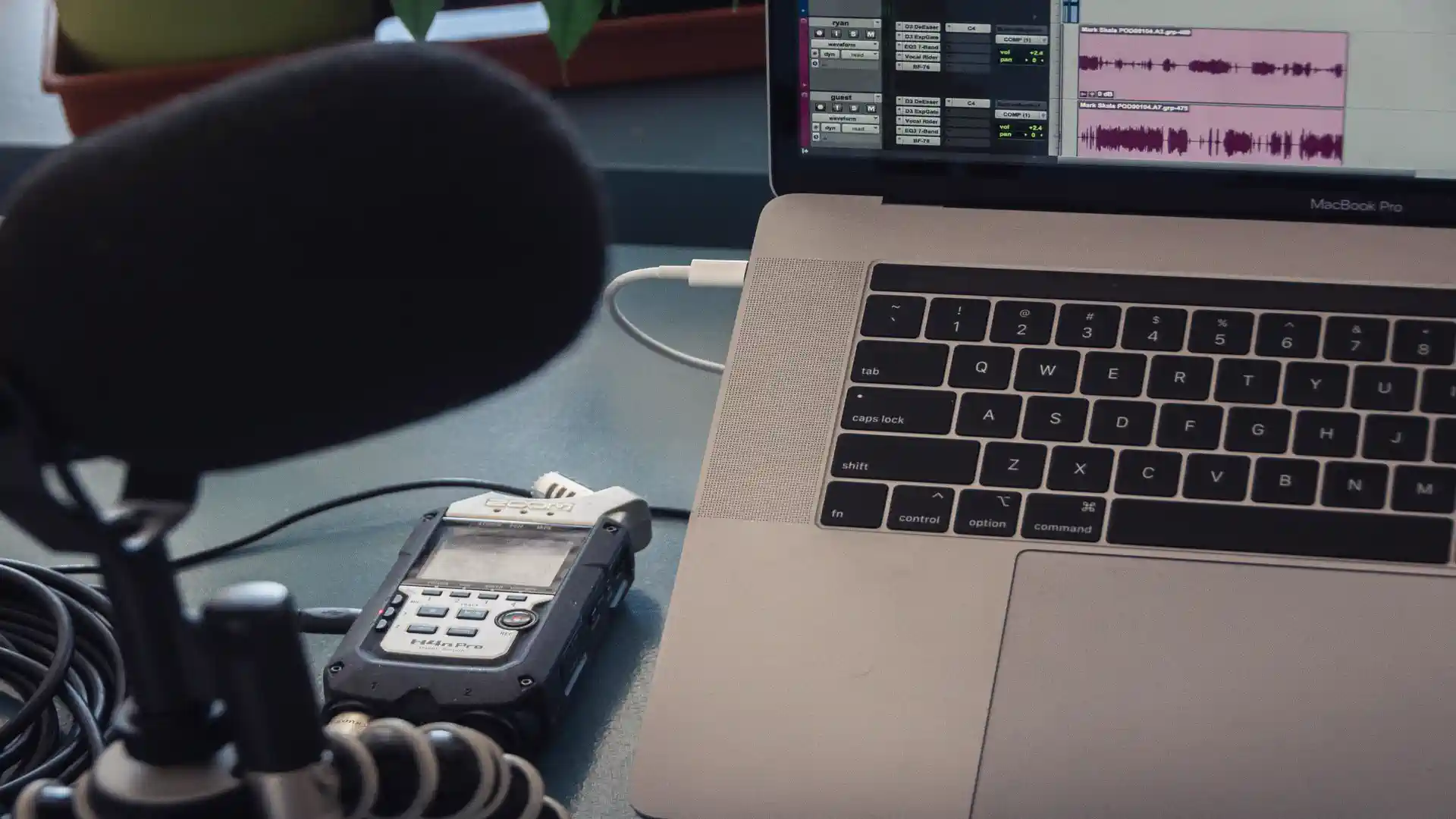
Find a quiet spot, use the best mic you have, record 1-3 minutes of natural speech, export as WAV or high-quality MP3.
ElevenLabs is the gold standard for realism. See our breakdown of ElevenLabs Studio for details. Alternatives: Descript Overdub, PlayHT.
Upload your recording, name your voice, wait for processing, then test with your intro script.
Keep it 15-30 seconds (35-70 words). Hook + credibility + teaser. Generate 2-3 variations and pick the best.
Trim silence, layer background music low, add fade-out, export as MP3 320kbps.
Yes for your own voice, never clone others without permission.
Free tiers cover occasional use, paid from $5-11/month.
Record a clean sample, pick your tool, train, generate, and polish — that’s the playbook for AI podcast intros.