11
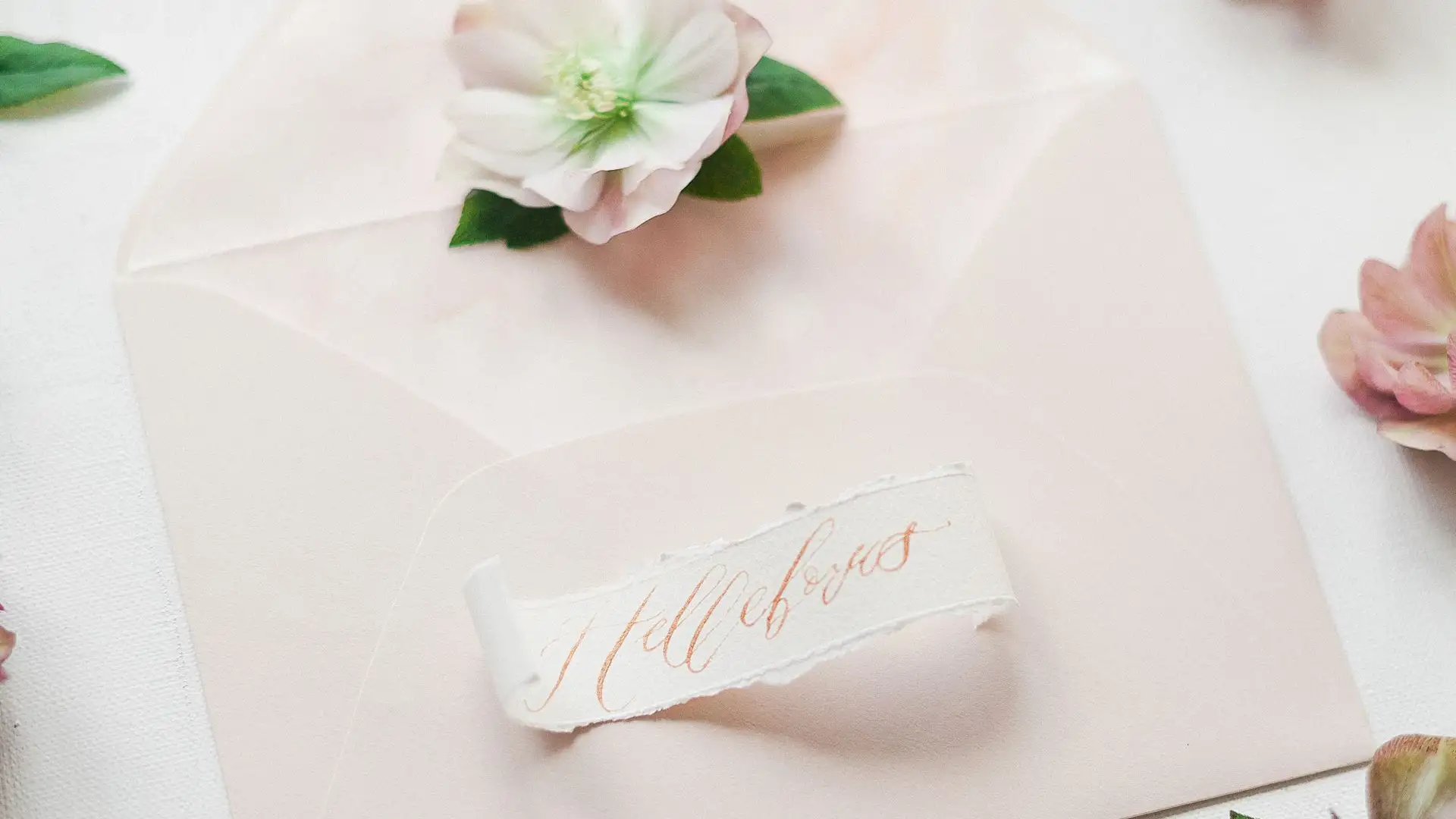
A misspelled name on a wedding invitation is the kind of mistake guests remember long after the cake is gone. One wrong letter can turn a beautiful card into an awkward apology, and reprinting a full batch costs real money and time. An AI wedding invitation generator helps you avoid that problem by turning a short brief into a finished design in minutes. You give it the couple’s names, the date, the venue, and the style you want. It returns artwork you can check, fix, and print. This guide walks through that process from brief to final card, with a worked example and a proofing checklist that catches errors before they reach the printer.
Most tools follow the same simple path. You type or pick a style, enter the event details, and the tool builds a layout with matched fonts, colors, and decoration. Some tools start from a template you edit. Others generate fresh artwork from a written prompt. Either way, you stay in control of the words.
Think of the tool as a fast designer, not a fact checker. It will happily print a wrong date in a lovely font.

A good brief answers seven questions before you open any tool. Who is getting married? When is the ceremony? Where is it held? What time do guests arrive? How do guests reply? What style fits the wedding? And the exact spelling of names.
Write the brief in one short paragraph and keep it beside you while you edit a template. Include the full venue address, not just the venue name. Add the RSVP deadline and the reply method, such as a phone number or a simple online form.
Use this workflow each time you design an invitation.
Keep the front simple. One strong image or pattern, two fonts at most, and plenty of space around the names. Crowded cards look busy in print even when they look fine on a phone screen. For related design workflows, see our guide to poster design tools and our guide to mockup generators.
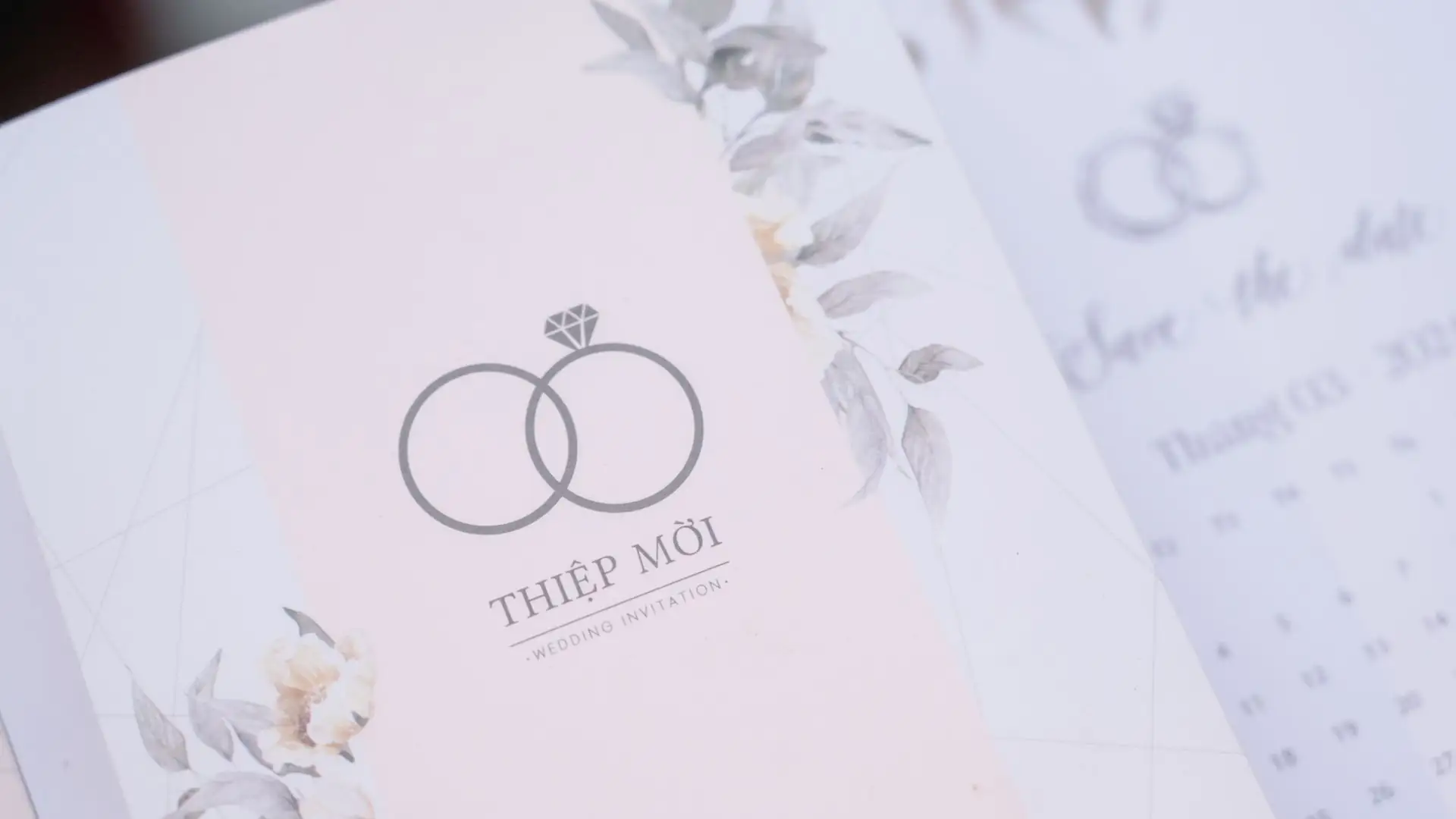
Here is a concrete brief you can copy and adapt. Couple names: Sara Ahmed and Daniel Khan. Date: Saturday, June 12, 2027. Ceremony at 4 in the afternoon at Rosewood Garden Hall, 14 Palm Avenue, Austin, Texas. Reception follows at the same venue. Style: soft floral with sage green and cream. RSVP by May 1, 202,7 through the wedding website.
The resulting front wording reads as follows. Together with their families. Sara Ahmed and Daniel Khan request the pleasure of your company at the celebration of their marriage. Saturday, June 12, 202,7 at 4 in the afternoon. Rosewood Garden Hall, 14 Palm Avenue, Austin, Texas. Reception to follow. Kindly reply by May 1, 2027.
Notice what the brief fixed in advance. Names are spelled exactly as the couple writes them. The date appears in full. The venue address is complete. The RSVP deadline is clear.
Run this checklist on the final design, not on an early draft. Check names letter by letter against the spelling the couple uses. Check the day of the week against the calendar date.
Ask one other person to read the card cold, without your brief beside them. Fresh eyes catch swapped digits and missing words that you no longer see. Print one test copy or order a single proof. Canva invitation kits build a matching set of invitations, RSVP cards, and thank you cards in one place, while Adobe Express invitations offer free templates in the standard 5 by 7 inch size.
Many couples now send a digital version alongside or instead of a printed card. Export the same design as a PNG image for messaging apps or as a PDF for email. Test it on one phone before you send it to everyone, and check that the text stays readable at phone width.
Add a short personal note with the digital send, such as a line about how much you hope the guest can attend. Pair it with the printed card for guests who prefer paper.