11
Most print-on-demand sellers learn this the hard way. A great T-shirt design shown on a plain white square gets ignored, while the same design on a model photo gets clicks. The difference is the mockup, and it used to cost real money or Photoshop skills. An AI mockup generator free tool changes that. You upload your design, pick a template like a T-shirt, mug, or book cover, and the tool wraps your art onto the product in seconds. This guide explains how these generators work, compares the best free options, and shows a simple workflow that takes your design from file to listing image.
Mockup generators come in two types. Template-based tools place your design onto a ready-made photo of a product, like a T-shirt on a model or a mug on a desk. True AI generators go further. They can create the scene itself, adjust fabric folds around your design, or match lighting so the print looks like it was photographed. For most sellers, template mockups are enough. They are faster and more predictable. AI-generated scenes win when you need something unusual, like your poster on a brick wall at sunset, where no template exists. If you also design posters for your shop, these poster generator tools pair well with mockup scenes.

Template mockups use real photographs, so the product looks real by default. The trade-off is that everyone uses the same templates, which makes your listing look familiar. AI-generated mockups are unique, but they can add small errors like warped text or odd hands in lifestyle scenes. My rule is simple. Use template mockups for your main listing images where trust matters most, and use AI scenes for social posts where novelty grabs attention. This split gives you reliability where it counts and creativity where it helps. Sellers who want full control over every design asset can also check these Smartmockups alternatives to compare template libraries before choosing a tool.
Mockey AI is the best truly free starting point. Its free plan downloads without watermarks, the library holds over 30,000 templates with more than a thousand open to free accounts, and it covers t-shirts, tote bags, packaging, and tech. The catch is three JPG downloads a day and personal use only on the free plan, with paid plans starting around five seventy a month. Canva is the best all-rounder. Free users can create up to 2,500 mockups, and it absorbed the old Smartmockups library when that service closed in 2024. Placeit has the largest template library and video mockups, but free exports carry a watermark, and Pro starts near fifteen dollars a month. MockupBro is fully free with no login, though its library is small and focuses on t-shirts and tech items. Learn to make a mockup step by step on MockupBro before you try the others, since its workflow is the simplest. If you sell branded products, grab matching visuals with these logo maker picks so your mockups carry a consistent brand.

Free plans always have limits, so know them before you build a workflow. Download caps are the most common. Mockey allows three a day, which is fine for testing but not for a fifty-product catalog. License terms matter more than features. Several free plans allow personal use only, which means you need a paid plan before mockups go on products you sell. Resolution is the third limit. Some tools export free mockups at low resolution, which looks fine on screen but weak on a printed proof. Finally, check whether your tool lets you use exports commercially. Canva states its mockups are royalty-free for personal and commercial projects, but you cannot resell the scene itself as a new mockup. Browse more free mockup sites to see which license terms fit a selling workflow.
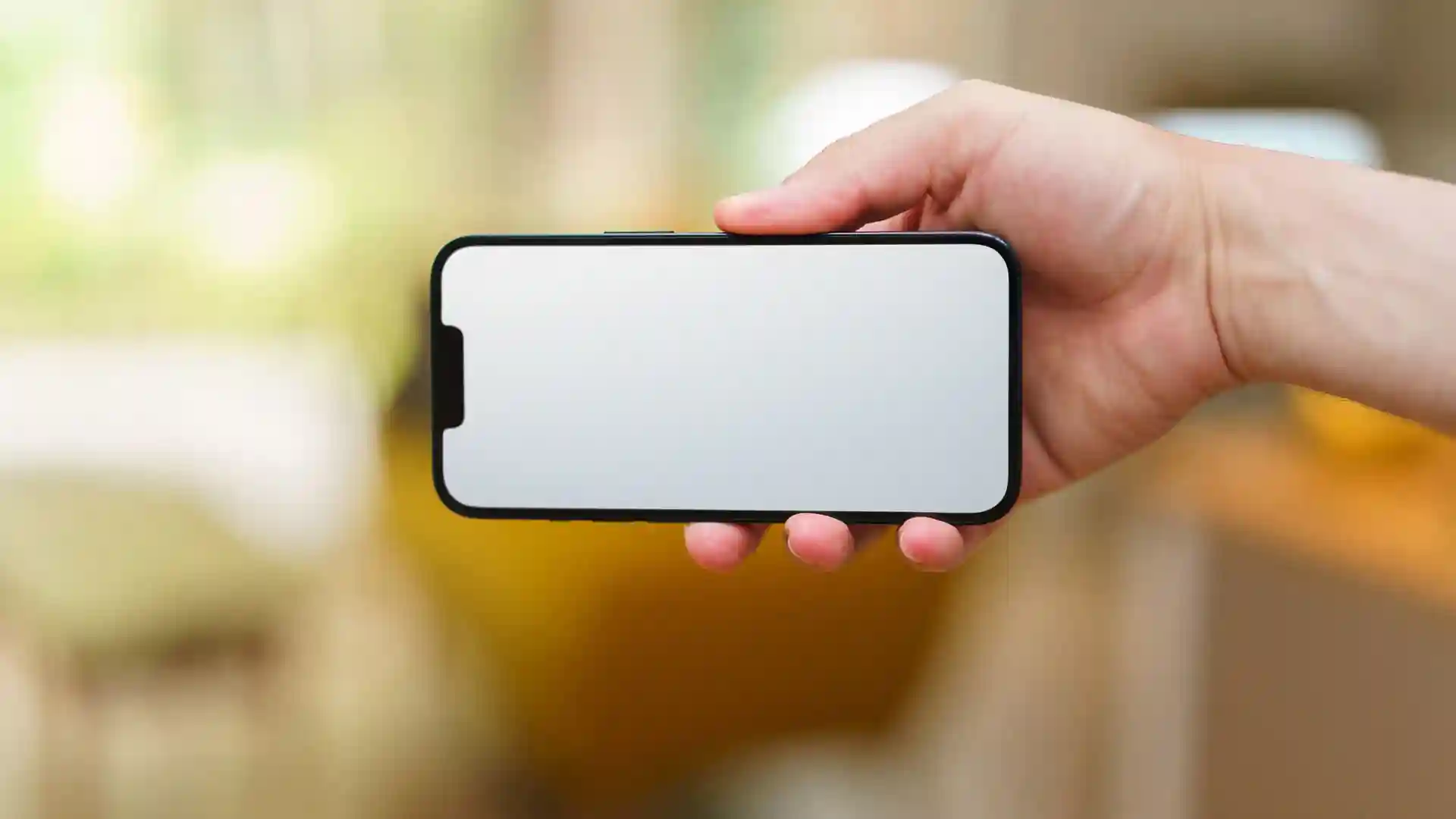
Start with your design file at high resolution. A 300 DPI PNG with a transparent background gives the cleanest result on fabric and packaging. Upload it to your mockup tool and pick a template that matches your real product. A Bella Canvas 3001 template should pair with a Bella Canvas shirt, because buyers notice when the collar shape differs. Adjust the design size so it matches how the print will really look. Too large looks fake; too small looks timid. Export at the highest resolution your plan allows, then check the mockup on your phone. If it reads clearly on a small screen, it is ready for your listing. For extra listing visuals, these infographic tools can turn product details into clean graphics buyers actually read.
Mockups sell the dream before the product exists, and free tools have made them available to every seller. Pick one tool, mock up your top three designs this week, and compare their click rates against your plain listings. Your next step is simple. Open Mockey AI, upload your best design, and create your first mockup today. It takes less than five minutes.