11

Readers really do judge a book by its cover, and a cheap-looking cover tells them the writing inside is cheap too. An AI book cover generator free of cost lets you design something professional without paying a designer hundreds of dollars. But not every free tool gives you print-ready files or art you can legally sell. In this guide, I compare the seven best free options for 2026, and I show you the exact workflow authors use to go from an idea to a cover that is ready for Amazon.
A book cover is three jobs in one. It needs striking art, perfectly placed typography, and the right file size for ebook and print. Most free AI tools are great at one of those and weak at the others. The smart move is a two-step workflow. Generate the art with AI, then add text in a real design tool. That is how indie authors get covers that compete with traditional publishers.
Check your genre early. A romance cover, a thriller cover, and a business book cover follow totally different visual rules. The best tools below either understand genre conventions or let you steer them with clear prompts.
CoverForge. The only tool built specifically for book covers. Its genre-trained AI reads your blurb and creates cover concepts in under a minute, with a typography studio for placing your title. You can generate unlimited covers for free, and the free plan includes 3 saved covers and 3 ebook exports.
Canva. The strongest all-around free option for most authors. Book cover templates in the correct dimensions, free stock imagery, and a simple editor for title and author name. The paid tier adds AI image generation for more original art.
Ideogram. The most precise free option for titles baked into the artwork itself. Most AI models garble words, but Ideogram renders clean, readable type. The free tier gives you about 10 prompts a day, enough to nail one great cover concept.
Adobe Express. A genuinely usable free plan with Firefly-powered AI tools. Because the model is trained on cleared content, commercial use is safer here than on many free generators.
Leonardo AI. A favorite among indie authors for fantasy, science fiction, and romance. Its fine-tuned models handle dramatic genre styling well, and the free tier gives you around 150 tokens a day, enough for 10 to 30 images.
StarryAI. Great for free experimentation when you are still exploring ideas. Try many styles quickly without paying.
KDP Cover Creator. If you publish through Amazon, this free tool guarantees your file meets their exact technical specs. No formatting rejections. It is more limited creatively, so many authors generate art elsewhere and finish it here for a safe upload.
Covers are one part of the author toolkit. This AI ad copy generator helps with launch marketing, and this free infographic generator turns book stats into shareable graphics. For character art on your author profiles, try this free avatar generator.
Here is the workflow that works for self-published authors. First, generate the central image with Ideogram or Leonardo using a genre-specific prompt. Second, add the title and author name in Canva or Adobe Express, because design tools give you proper fonts and placement control. Third, test the cover at thumbnail size, since most readers see your book as a tiny image on a phone screen. Fourth, export high-resolution files for both ebook and print. This method is recommended in this author image guide, and it beats hoping one tool does everything.
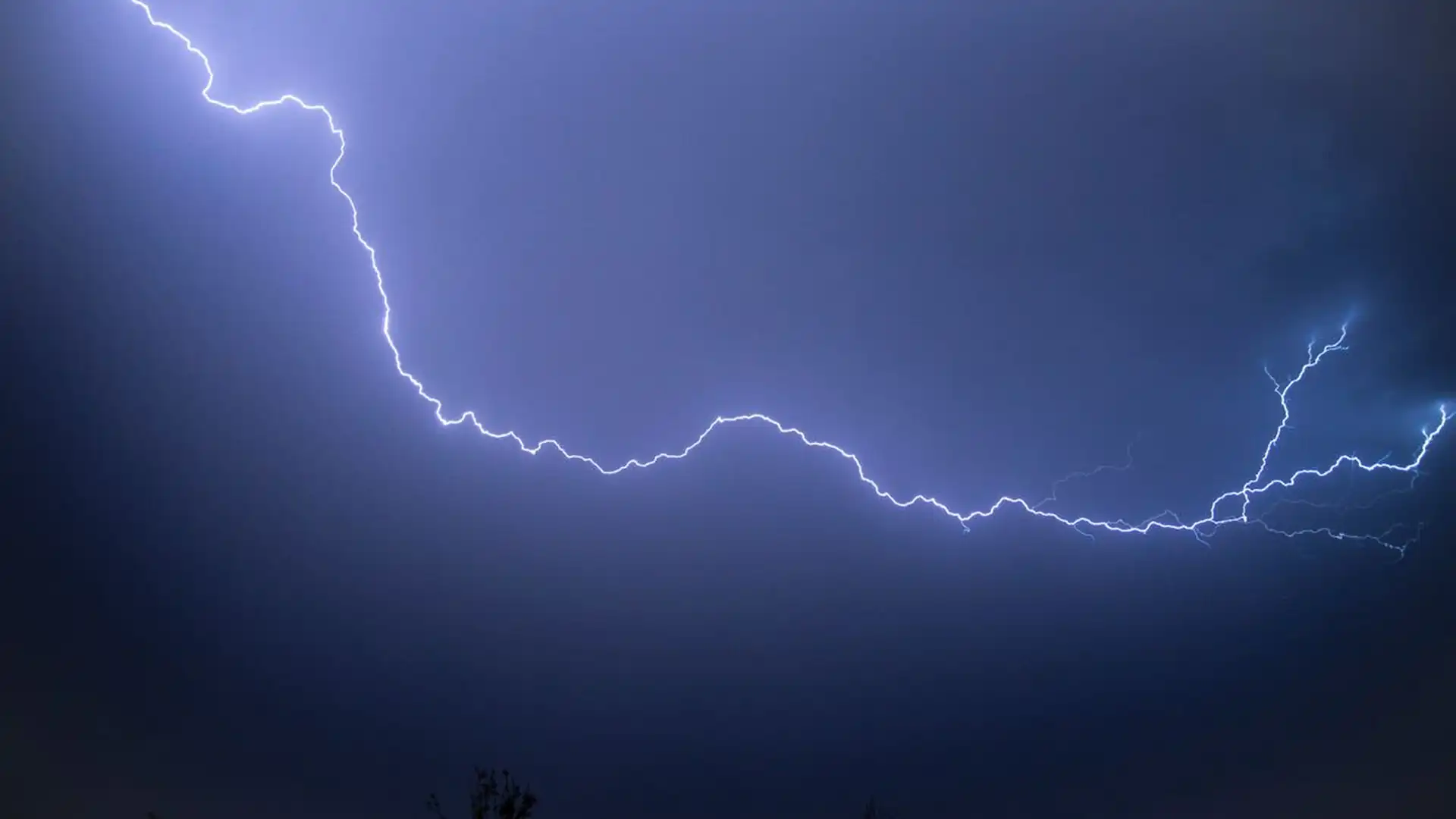
Your cover must instantly signal the right genre or the right readers will scroll past. Thrillers use dark tones and bold condensed fonts. Romance uses warm colors and script-style type. Business books use clean minimal layouts with strong contrast. When you write your prompt, include the genre and two or three reference words, like dark psychological thriller, rain, city lights. Then compare your result against current bestsellers on Amazon. For picks matched to each genre, this cover tool roundup breaks down the best options by use case.
Most tools allow commercial use of free tier output, but the rules differ, so check the terms of your chosen AI book cover generator free plan before you publish. Adobe states its Firefly outputs are cleared for commercial use, a strong reason to prefer it for serious projects. Also know that purely AI-generated images currently cannot be copyrighted in the United States, but once you edit and composite the art with your own title and layout, the human-edited result can be. That is another reason the two-step workflow wins. The official CoverForge site explains its free plan and licensing clearly.
For most authors, the winning combo is CoverForge or Ideogram for the art plus Canva for the typography. That gives you original artwork, professional title placement, and correct export sizes without spending a dollar. If you publish on Amazon and want zero formatting risk, finish with KDP Cover Creator.